
 By Callum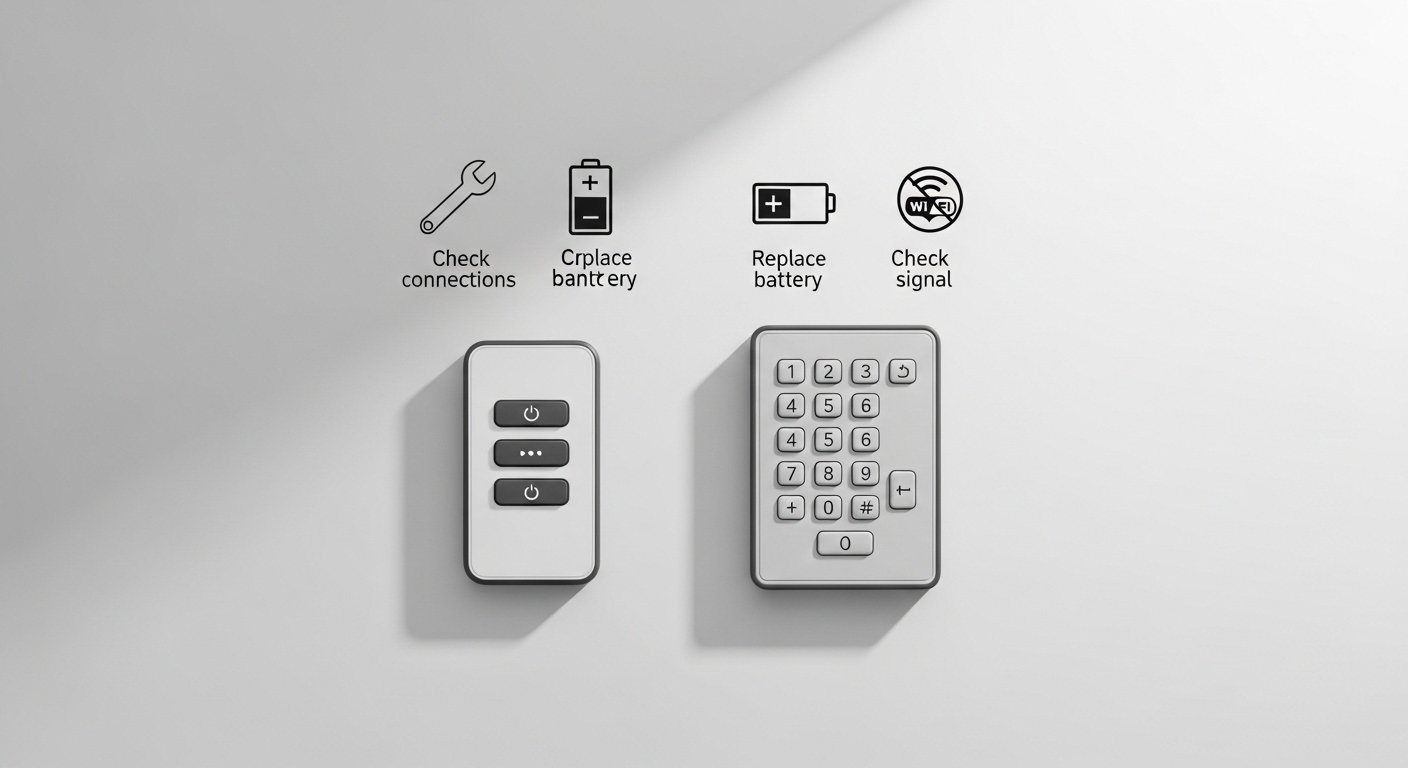
A malfunctioning garage door opener remote or keypad can quickly disrupt your daily routine and cause frustration when you need to enter or exit your garage. We will explore common causes of remote and keypad failures and offer practical troubleshooting steps that homeowners can follow without needing advanced tools or technical training. Understanding how remotes and keypads communicate with the garage door opener, and what typical issues look like, can help you diagnose and often resolve the problem safely and efficiently. Whether your remote responds intermittently or your keypad fails to activate the door, the following guidance will help you pinpoint the issue and take the right corrective steps.
Garage Door Opener Remote & Keypad Troubleshooting Steps
Check Remote Batteries and Power Levels
A remote control that stops working frequently has a simple culprit: weak or dead batteries. Remote transmitters send a wireless signal to the garage door opener, and if they lack sufficient power, the signal may be too weak to consistently trigger the opener. Start by replacing the batteries with fresh ones, making sure to use the correct type as indicated by your remote’s manufacturer. Remove the old batteries and clean the terminals if there is any sign of corrosion or residue buildup. Dirt, rust, or sticky residue can interfere with the electrical contact points and reduce power transfer. After inserting new batteries, test the remote from different positions in the driveway to see if the range improves. If issues persist, consulting a professional for garage door repair by Titan Garage Doors in Westminster can ensure the system functions reliably.
If replacing the batteries partially fixes the issue but the problem persists, consider the remote’s age and overall condition. Over time, internal circuitry can degrade from regular use or exposure to heat and sunlight. If battery replacement does not restore reliable function, it may be time to reprogram the remote or inspect for internal damage. Additionally, ensure that no protective film or battery insulation tab was left in place during installation of the new batteries. Small oversights like these happen often and are simple to correct, yet they can prevent the remote from powering up correctly.
Reprogram Remote and Keypad Signals
Occasionally, your garage door opener remote and keypad lose synchronization with the main opener unit, especially after power outages, opener resets, or battery changes. When this happens, neither device will communicate properly, even if batteries are fresh and the hardware appears intact. To resolve this, reprogramming is often necessary. Begin by locating the Learn button on your garage door opener motor unit, usually found under a cover near the antenna wire. Pressing this button puts the opener into a mode that accepts new signals from remotes and keypads. Follow the manufacturer’s instructions for your specific model – generally, you press the Learn button, then within a short time window press the remote button you want to link.
For keypads, you typically enter a code sequence, then press the Learn button to register it. If the remote or keypad were previously programmed, reprogramming can erase old codes and establish fresh communication pathways. It’s wise to reprogram all remotes and keypads simultaneously to prevent confusion or partial pairing. After programming, test each device multiple times, walking toward and away from the opener to ensure the signal range is consistent. If reprogramming fails repeatedly, check the opener’s user manual for any model-specific quirks or error indicators that might be relevant.
Inspect Signal Interference and Range Limitations
Remote and keypad operations rely on radio-frequency (RF) signals, which can be affected by environmental factors or nearby electronics. If your remote only works close to the garage door and not from a distance, there might be interference disrupting the signal. Common sources include LED lighting, wireless routers, or other RF-emitting devices in the vicinity. Metal structures, thick walls, and certain vehicle coatings can also block or weaken signals. Begin by testing the remote from various locations and angles around your property. Notice whether proximity to certain electronics coincides with poorer performance.
If signal disruption appears likely, try temporarily turning off potential sources of interference to see if performance improves. Relocating Wi-Fi routers or other RF transmitters away from the garage area, or using shielded cables and devices that operate on different frequencies, can sometimes help. In rare cases, installing a signal repeater or upgrading to a remote system with stronger transmission capabilities may be necessary. Always ensure that the antenna on your garage door opener motor unit hangs down freely without kinks or damage, as bent or hidden antennas can degrade reception and reduce effective range.
A functioning remote and keypad system for your garage door adds convenience and security to your home. By reviewing battery health, reprogramming signals, checking for interference, understanding security lockout behavior, maintaining wiring and contacts, and examining the opener unit’s power supply, you can identify and often remedy common operational problems. Patience and a systematic approach to diagnosis will save time and reduce the frustration of random button presses that fail to activate your garage door.
Resolving remote and keypad issues requires careful observation and methodical steps, but most problems are simple enough to fix yourself. Regular maintenance, such as replacing batteries annually and keeping components clean and dry, will extend your system’s life. With proper attention and troubleshooting, you can return your garage door opener to smooth, reliable operation without unnecessary stress or expense.